Many people wonder how to use pulse mode in mixer grinder. It seems simple, but sometimes using it wrong can lead to over-grinding or uneven results. If you’re new to mixer grinders, this special button can feel a bit tricky.
Don’t worry! This guide will show you exactly how to use pulse mode in mixer grinder. We’ll break it down into easy steps so you can get perfect textures every time.

Key Takeaways
- Pulse mode gives you short bursts of power.
- It helps control the texture of your food.
- You can use it for chopping nuts, herbs, and coarse pastes.
- Press and hold the pulse button for brief actions.
- Release the button to stop the blades instantly.
- It’s safer for certain tasks than continuous blending.
Understanding Pulse Mode In Your Mixer Grinder
What Is Pulse Mode?
Pulse mode on your mixer grinder is like a quick tap on the accelerator for the blades. Instead of running continuously, the blades spin only when you press and hold the pulse button. When you let go, the blades stop immediately.
This gives you a lot of control over how much your ingredients are processed.
Think of it as short bursts of blending power. This is super handy for tasks where you don’t want to completely liquefy or puree your food. You get to decide exactly how long each burst lasts, which means you get exactly the texture you want.
Why Use Pulse Mode?
Pulse mode is useful for many reasons. It’s perfect for when you need a coarser chop. For example, if you’re making a chunky salsa or need to lightly break down some onions, pulse mode is your best friend.
It prevents you from turning your ingredients into a mush. You can pulse a few times to get a nice, coarse texture.
It’s also great for adding ingredients that need just a quick mix. If you’re making dough, you might pulse to combine the dry and wet ingredients before letting the grinder run. This helps avoid overworking the dough.
Safety is another big plus. Because the blades stop instantly when you release the button, it’s easier to manage and control what’s happening inside the jar. This is especially helpful when you’re dealing with small batches or when you need to check the consistency frequently.
How To Use Pulse Mode In Mixer Grinder
Step-By-Step Guide
Using pulse mode is very straightforward once you know how. Here’s a simple breakdown:
1. Prepare Your Ingredients
First, make sure your mixer grinder is properly assembled. Put the correct jar on the base, attach the blade assembly securely, and add your ingredients. Don’t overfill the jar; leave some space for the ingredients to move around.
2. Locate The Pulse Button
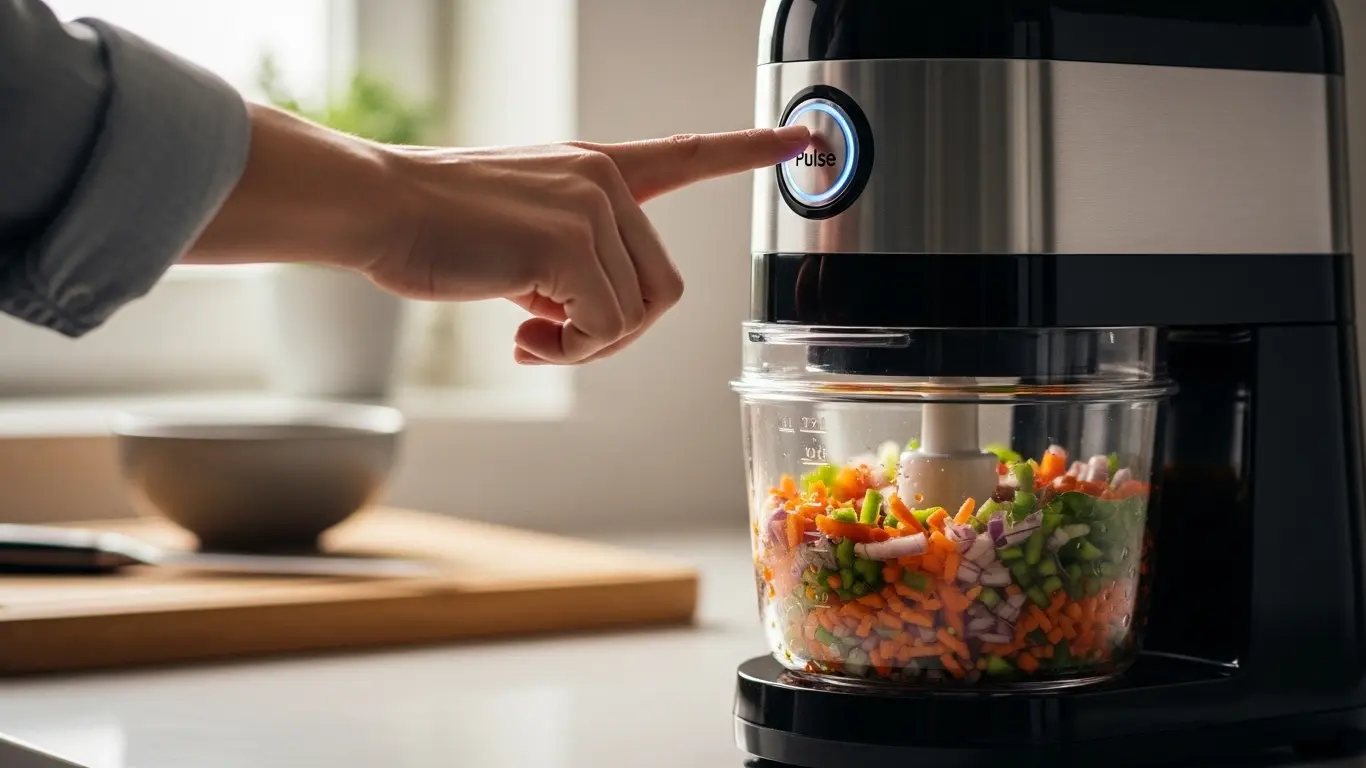
Look for a button labeled “Pulse” or sometimes a symbol that looks like a quick, short wave. This button is usually separate from the speed control dial or buttons. It might be a push button or a toggle switch, depending on your mixer grinder model.
3. Press And Hold The Pulse Button
With the lid securely in place and the mixer grinder plugged in, gently press and hold the pulse button. You will hear the motor start and the blades will spin. Keep it held down for as short or as long as you need.
A quick press might be just a fraction of a second, while a longer press will run the blades for a few seconds.
4. Release The Pulse Button
As soon as you achieve the desired consistency or action, simply release the pulse button. The blades will stop spinning immediately. This instant stop is key to controlling the texture.
5. Check The Consistency
After releasing the button, open the lid (after ensuring the blades have stopped completely) and check your ingredients. If they are not yet at the desired texture, put the lid back on, and repeat steps 3 and 4. You can do this as many times as needed.
Tips For Different Tasks Using Pulse Mode
Chopping Vegetables
For chopping onions, garlic, or vegetables for a salad or salsa, pulse mode is excellent. Add your chopped vegetables to the jar. Press and release the pulse button in short bursts.
Check after each pulse to get a coarse chop, not a fine paste.
Grinding Spices
When grinding whole spices like cumin seeds or coriander, pulse mode helps break them down without turning them into a fine powder too quickly. This allows you to control the coarseness of the spice mix. Pulse until you reach the texture you like.
Making Chutneys And Pastes
For chutneys or pastes that have a slightly chunky texture, use pulse mode initially. Pulse to break down the main ingredients. You can then switch to a low speed for a short period to achieve a smoother consistency, but start with pulsing.
Crushing Nuts
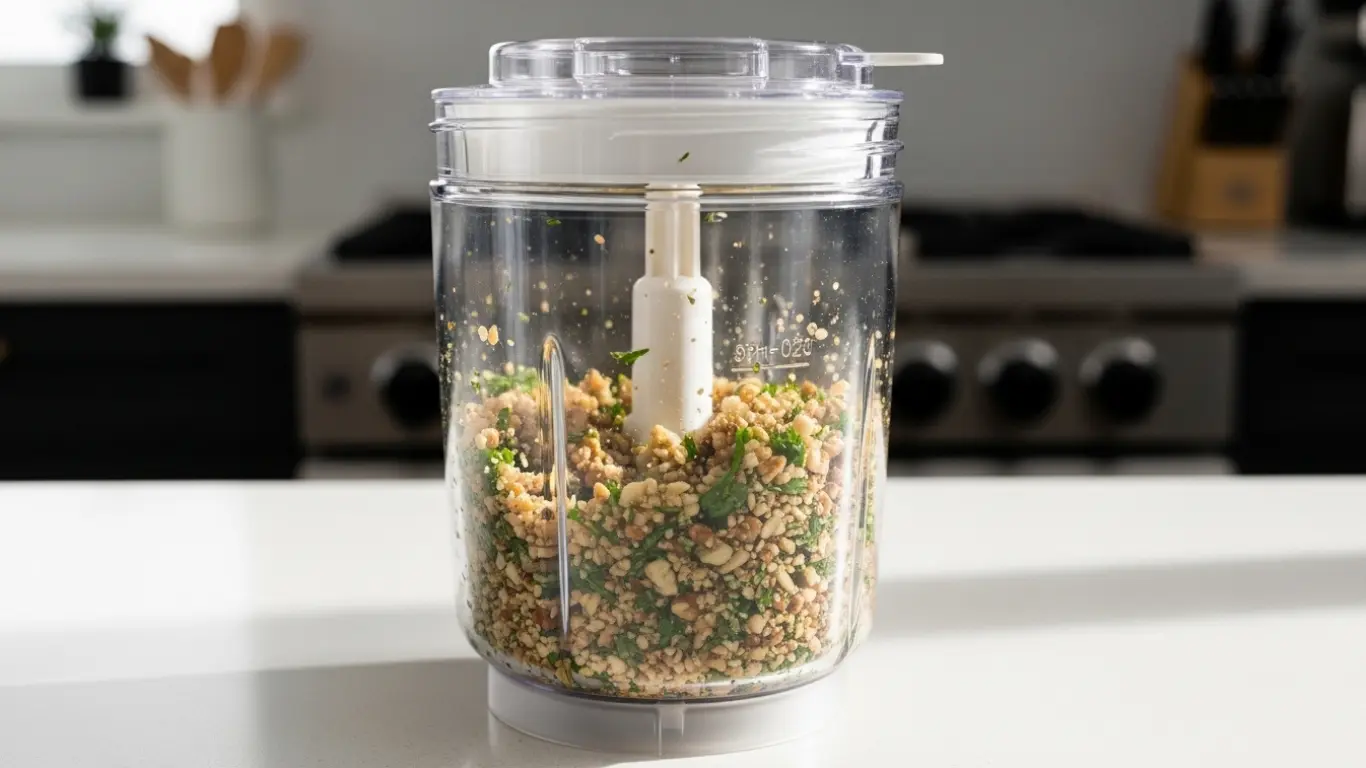
If you want to crush nuts for toppings or baking, pulse mode is ideal. It prevents the nuts from turning into nut butter. Pulse briefly, shake the jar, and pulse again.
Repeat until the nuts are crushed to your liking.
Incorporating Ingredients
When making batters or doughs, you might use the pulse function to quickly combine dry and wet ingredients. This helps prevent overmixing, which can make baked goods tough.
Benefits Of Using Pulse Mode
Precise Control
The biggest benefit is the level of control. You are in charge of every moment the blades spin. This precision is invaluable for delicate tasks or when you want a specific texture that continuous blending can’t achieve.
Prevents Over-Processing
Over-processing can ruin a recipe. Pulse mode stops you from turning a chunky salsa into mush or a ground spice into flour accidentally. It’s the safest way to get the texture you want without overdoing it.
Versatility
This mode adds a new layer of versatility to your mixer grinder. It allows it to perform tasks that are best done with short, sharp bursts of power, expanding the range of recipes you can prepare.
Safety
As mentioned, the instant stop feature makes it a safer option for certain food preparation tasks. It gives you more confidence and reduces the risk of accidents.
Common Mistakes To Avoid
One common mistake is holding the pulse button down for too long, which can lead to over-processing. Always start with very short pulses and check your food. Another mistake is not securing the lid properly before pulsing.
Always ensure the lid is firmly in place.
Don’t expect to achieve a super-smooth puree using only pulse mode. It’s designed for coarser textures. For smooth results, you’ll likely need to use the regular speed settings after pulsing.
Pulse Mode vs. Regular Speed Settings
| Feature | Pulse Mode | Regular Speed Settings |
|---|---|---|
| Operation | Blades spin only when button is held. Stops instantly when released. | Blades spin continuously at set speeds until turned off. |
| Control | High level of control over processing time and texture. | Less control over exact processing duration; speed determines intensity. |
| Best For | Chopping, crushing, coarse mixing, quick bursts. | Pureeing, blending smooth liquids, making batters, continuous processing. |
| Texture Result | Coarse, chunky, controlled breakdown. | Smooth, uniform, consistent. |
Frequently Asked Questions
Question: Can I use pulse mode for making smoothies?
Answer: While pulse mode can help break down larger chunks at the start, it’s not ideal for making a completely smooth smoothie. You’ll likely need to switch to regular speed settings for that.
Question: How long should I pulse for?
Answer: Start with very short pulses, just a second or two. Check your ingredients and pulse again if needed. The exact time depends on what you are preparing.
Question: Does pulse mode damage the motor?
Answer: No, pulse mode is designed for short bursts and is generally safe for the motor. However, avoid holding it down continuously for extended periods, as that’s not its intended use.
Question: Can I use pulse mode with any jar attachment?
Answer: Yes, pulse mode is typically available for all jar attachments on your mixer grinder, as it’s a function of the motor base.
Question: What if my mixer grinder doesn’t have a “Pulse” button?
Answer: Some models might have a “Stir” or “Chop” setting that functions similarly to pulse mode. Check your user manual for specific instructions on your model.
Final Thoughts
Mastering how to use pulse mode in mixer grinder is a simple skill that greatly improves your cooking. It gives you exact control for perfect textures, from chunky salsas to finely crushed nuts. Remember to use short bursts and check your food often.
With a little practice, you’ll find yourself reaching for the pulse button for many more tasks than you might have imagined. Enjoy your cooking!

I’m Joshua Miller, a U.S.-based food enthusiast and Co-Founder of KitchenWink.com. With a Bachelor’s degree in Food Science and over five years of hands-on experience testing blenders, coffee makers, and other kitchen tools, I focus on real-world results—not lab theories.
As a home cook, I personally test every product in real kitchens to give you honest, practical advice that makes everyday cooking easier.