Many people find the loud beeping from their microwave annoying. Maybe you live in a shared apartment and don’t want to wake someone up. Or perhaps you’re just tired of the constant reminders your food is ready. Whatever the reason, you’re not alone.
Microwaves are designed with loud beeps to catch your attention, but sometimes these alerts feel more like a problem than a solution. The good news is that you often have options to silence or reduce these sounds.
This article will give you practical steps to stop a microwave from beeping, explain why microwaves beep, and cover safe ways to handle the issue. You’ll also learn about common mistakes, what to expect from different brands, and when to seek expert help.
By the end, you’ll be ready to enjoy a quieter kitchen.
Why Do Microwaves Beep?
Microwaves beep for several reasons. The most obvious is to signal that cooking is finished. But there are other times when you hear beeps:
- Button presses: Each time you press a button, the microwave confirms your action.
- Reminders: Some models beep every minute until you remove the food.
- Errors: If you try to start the microwave with the door open, or if something is wrong, you get warning beeps.
These sounds are meant for safety and convenience. For example, if you forget your food, the microwave reminds you so you don’t leave it inside for hours. But for many users, these sounds are too loud or frequent. Understanding why your microwave beeps helps you decide the best way to silence it.
Built-in Silent Mode Features
Many modern microwaves have a built-in way to mute the beeps. This is the easiest and safest solution.
How To Check For A Silent Mode
- Look for a “Sound” button: On some microwaves, you’ll see a button labeled Sound, Mute, or Volume.
- Check the control panel: Sometimes, there’s a small icon like a speaker or bell.
- Read the manual: If the button isn’t obvious, check your microwave’s user manual. Search for “mute,” “beep,” or “sound.”
Most brands like Panasonic, LG, Samsung, and Sharp include a silent mode on newer models. Usually, you hold the button for 3-5 seconds, and the sound turns off or lowers.
Example: Using Silent Mode
Suppose you have a Samsung microwave:
- Press and hold the Sound button for 3 seconds.
- The display will show “OFF” or a muted speaker symbol.
- To turn sound back on, repeat the steps.
What If There’s No Sound Button?
Some older or basic models don’t have a mute feature on the control panel. In this case, you need to try other methods.
Using Key Combinations To Mute
If your microwave doesn’t have a dedicated sound button, there might still be a hidden way to mute it.
Common Key Combinations
Manufacturers sometimes use secret key combos. Here are a few you can try:
- Hold 0 or 1 for 3-5 seconds.
- Press and hold Stop/Cancel.
- Try holding Start and Stop together.
If these don’t work, check your manual or search for your microwave model online. User forums and manufacturer websites can be helpful.
Why Do Hidden Combos Exist?
Hidden combos reduce the chance of someone muting the microwave by accident. Since these are not always listed in manuals, you may need to experiment a bit.
What To Do If Your Microwave Can’t Be Muted
Some models, especially older ones, do not let you turn off beeps. In these cases, you still have options, but they require more effort.
Consider Upgrading
If silence is important to you, buying a new microwave with a mute feature may be best. Newer models are quieter and give you more control.
Physically Silencing Beeps (not Recommended)
Some people try to open the microwave and disconnect the speaker. This is risky and can be dangerous:
- You could get shocked: Even unplugged, microwaves store high voltage inside.
- You might break the microwave: Removing parts can cause errors.
- Warranty is voided: Most companies won’t repair a tampered microwave.
If you must do this, only let a trained technician handle it.
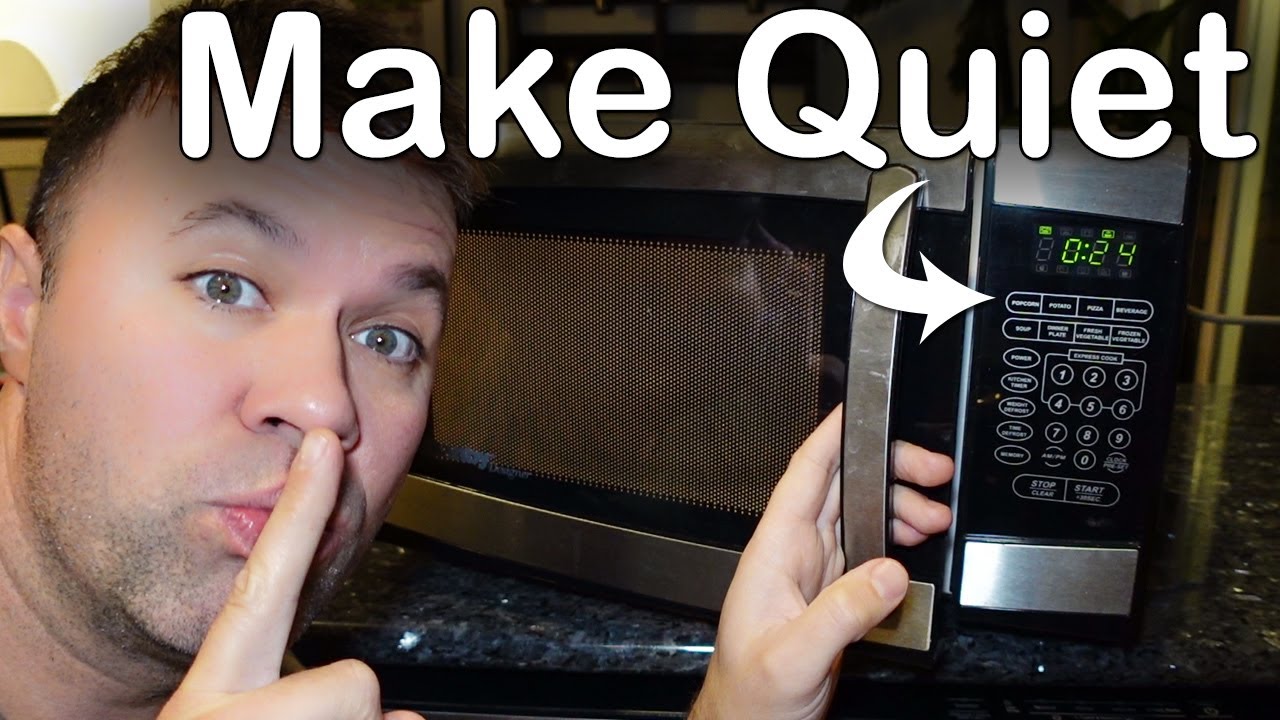
Credit: www.youtube.com
Brand-specific Solutions
Different brands have different ways to mute or reduce beeping. Here’s how some popular brands compare:
| Brand | Mute Feature? | How to Activate | Notes |
|---|---|---|---|
| Samsung | Yes (most models) | Hold ‘Sound’ 3 seconds | Easy, check panel |
| Panasonic | Some models | Hold ‘Stop/Cancel’ 3 seconds | Check manual |
| Sharp | Yes (recent models) | Hold ‘0’ or ‘1’ 3 seconds | Hidden combo |
| Whirlpool | Mixed | Check manual | Older models often can’t mute |
Microwave brands update their mute features often. Always check your specific model number. You can find this on a sticker inside the microwave door.
Common Mistakes To Avoid
Trying to silence your microwave can lead to problems if you’re not careful. Avoid these common mistakes:
- Opening the case: Microwaves can shock you even after unplugging.
- Forcing buttons: Pressing random combos may reset the clock or lock the panel.
- Ignoring the manual: Every microwave is different. Skipping the manual can waste time.
- Assuming all models are the same: What works on a Samsung may not work on a Panasonic.
One non-obvious mistake is ignoring the child lock feature. Sometimes, people accidentally activate it while trying mute combos. This can make the microwave seem broken.
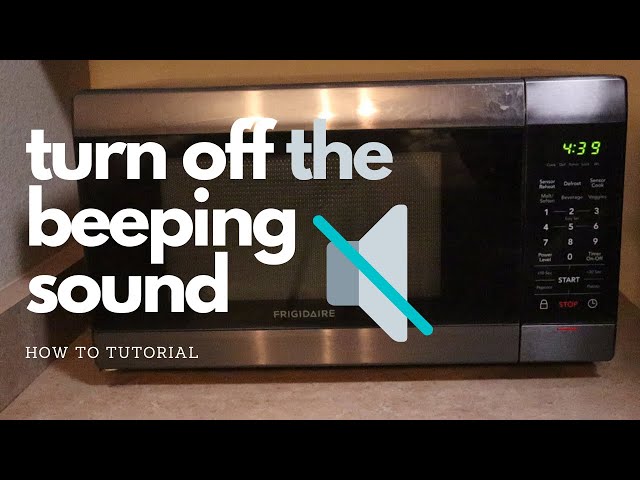
Credit: www.youtube.com
Advanced: Disabling The Speaker (expert Only)
Some people are tempted to open the microwave and disconnect the speaker inside. This is not recommended unless you are a professional. Here’s why:
- High-voltage risk: Microwaves have capacitors that keep a dangerous charge.
- Legal issues: In some places, tampering with appliances is against the law.
- Permanent damage: Removing the wrong part can break the microwave.
If you still want a technical overview, here’s what happens:
- The speaker is usually a small round part on the main control board.
- Removing it means you’ll have no sounds at all, including error alerts.
- If the microwave needs service, the warranty is void.
A safer approach is to ask a certified repair shop about “silent modification. ” This is rare, but some shops offer it.
Comparing Silent Microwave Models
If you decide to buy a new microwave, compare options for silence and other features. Here’s a look at what to check:
| Model | Has Mute Feature? | Noise Level (dB) | Price Range |
|---|---|---|---|
| Panasonic NN-SN966S | Yes | 55 dB | $200–$250 |
| Sharp ZSMC0912BS | Yes | 52 dB | $120–$170 |
| Samsung ME19R7041FS | Yes | 50 dB | $180–$230 |
| Whirlpool WMH31017HZ | No | 57 dB | $190–$220 |
Noise level is measured in decibels (dB). Every 10 dB feels about twice as loud to the human ear. So, a drop from 57 dB to 50 dB is very noticeable.

Credit: www2.parklanejewelry.com
Non-obvious Insights
Two things many beginners miss:
- Mute settings reset after power loss. If you unplug your microwave or lose power, the silent mode may turn off. You’ll need to set it again.
- Reminder beeps may not mute. Some microwaves mute button sounds but not end-of-cycle reminders. Always test after muting to see which sounds remain.
Understanding these details will save frustration and help you pick the right solution.
Smart Microwaves: New Options
Smart microwaves let you control beeping through apps or voice assistants. For example, the AmazonBasics microwave pairs with Alexa. You can set cooking times, mute sounds, and even get reminders on your phone.
Smart microwaves cost more, but if you want full control over alerts, they’re a good choice. Many users find that these models are quieter by default.
When To Call For Help
If you try every method and your microwave still won’t mute, or if it starts making strange noises, call customer support. Sometimes a stuck button or a software problem causes continuous beeping. Brands like LG and Samsung have hotlines for troubleshooting.
If your microwave is under warranty, do not open it yourself. Let an authorized technician handle repairs.
Practical Tips For A Quieter Kitchen
Besides silencing the microwave, you can reduce noise in other ways:
- Place a rubber mat under the microwave to absorb vibrations.
- Keep your microwave clean; food debris can cause extra noise during cooking.
- Use the kitchen fan or close the kitchen door if you need to cover sound.
A quieter kitchen is not just about beeping. These small changes can make a big difference in your daily comfort.
Frequently Asked Questions
How Do I Know If My Microwave Has A Mute Function?
Check the control panel for a Sound or Mute button. If you don’t see one, read the user manual or search your model online. Many modern microwaves have this feature, but older models may not.
Will Unplugging My Microwave Reset The Mute Setting?
Yes, in most cases, unplugging the microwave or losing power will reset all settings, including mute. You’ll need to set silent mode again after restoring power.
Is It Safe To Disconnect The Microwave Speaker Myself?
No, it’s not safe for most people. Microwaves can store high voltage even when unplugged. Only a trained professional should open and modify the microwave.
Are There Microwaves Designed To Be Silent?
Yes, some newer models are designed to be much quieter and have advanced mute features. Smart microwaves and brands like Samsung, Sharp, and Panasonic often offer these options.
Where Can I Find More Information On Microwave Safety?
You can visit the FDA’s microwave safety page for more details on using and maintaining your appliance safely.
A noisy microwave shouldn’t interrupt your life. With a little research and some simple steps, you can reduce or silence those beeps and enjoy a more peaceful kitchen. Whether you use built-in features, try smart appliances, or just follow a few practical tips, a quieter home is within reach.