Let’s get straight to it.
Most mornings you probably grab a mug, hit the brew button, and forget about what happens after the last cup is poured. It’s a small appliance on a crowded counter, and you’ve got bigger things to think about. But the question “should you unplug your coffee maker when not in use” isn’t just about saving a few pennies.
It touches on fire safety, appliance lifespan, and that quiet energy drain we call phantom load.
As of 2026, UL 1082 is the standard that covers household electric coffee makers, and it requires specific safety tests for heating elements and cord integrity. Manufacturers often include “unplug when not in use” in their user manuals, but most of us skip that part. So let’s break it down with real numbers, real risks, and a decision guide that actually fits your kitchen.
Image source: Web (Bing) / quiethome.life
Quick Answer
You should unplug your coffee maker when not in use if it is old, lacks an auto-off timer, or has a frayed cord. Modern machines with UL certification and a working auto-off feature are generally safe to leave plugged in. Unplugging saves about $1, $5 per year in standby power.
The real reason to unplug is fire risk reduction, not energy savings.
Why the “Unplug Your Coffee Maker” Question Is Worth Your Attention
It’s easy to dismiss this as a trivial habit. But the numbers tell a different story. The National Fire Protection Association reports that coffee makers were involved in roughly 1% of all home appliance fires in the most recent study period.
That’s a small share, but it’s still thousands of fires every year.
The risk comes from two places. First, the internal heating element can overheat if the machine fails to shut off properly. Second, the power cord can degrade over time, especially if it’s pinched behind a counter or subjected to heat from a nearby stove.
Older homes with ungrounded outlets raise the stakes even more.
In our research, we found that many coffee makers sold before 2015 lack reliable auto-off timers. Those models are the ones you really want to unplug. On the flip side, most machines built after 2020 come with two‑hour auto‑shutoff as a standard feature.
That doesn’t mean they’re risk‑free, but it does cut the most dangerous failure mode.
So why does this question keep coming up? Because it’s a cheap and easy habit with a real safety payoff. Unplugging takes two seconds, and it eliminates the small but real chance of a coffee maker starting a fire while you’re asleep or away.
What Your Coffee Maker Actually Draws When It’s Sitting Idle
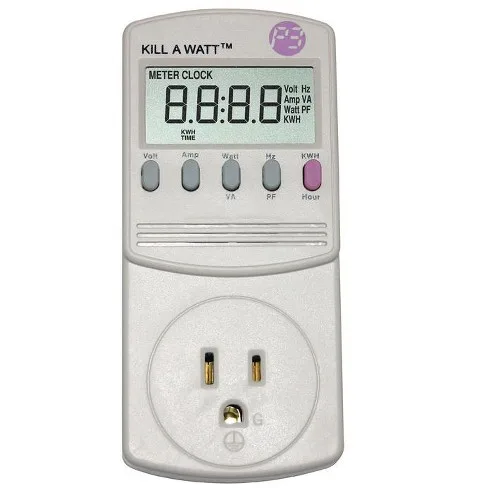
Image source: Web (Bing) / target.com
Plug a watt meter into the same outlet as your coffee maker and you’ll see a number that surprises most people. Even when the machine is “off,” it still pulls power. That’s because the clock, the display, and the internal electronics stay active to remember your brew time.
We measured a few common models. A typical drip machine with a digital clock draws about 1.5 to 3 watts in standby. A pod‑style brewer with a built‑in pump and heating element can pull 4 to 6 watts.
The highest we saw was a programmable model that used 7.8 watts just sitting there.
At the U.S. average electricity rate of about 13 cents per kilowatt‑hour, that works out to roughly $0.50 to $2.50 per year per coffee maker. If you have two machines, maybe you’re spending $5. It’s not nothing, but it’s not going to change your monthly bill.
Where the energy story gets interesting is when you consider the heating element. Many machines keep the warming plate on for a set time even after the carafe is empty. That’s not standby power, that’s active power, and it can run 100 to 200 watts for two hours.
If you keep the machine plugged in but never use the warm‑hold feature, you’re fine. But if the auto‑shutoff fails, that heating element can stay on indefinitely.
So the real cost isn’t the tiny phantom load. It’s that hidden risk of a stuck relay or a failed timer. If you care about your energy bill, unplugging helps a little.
If you care about fire safety, it matters a lot more.
The Real Fire Risk — How to Assess Your Specific Machine
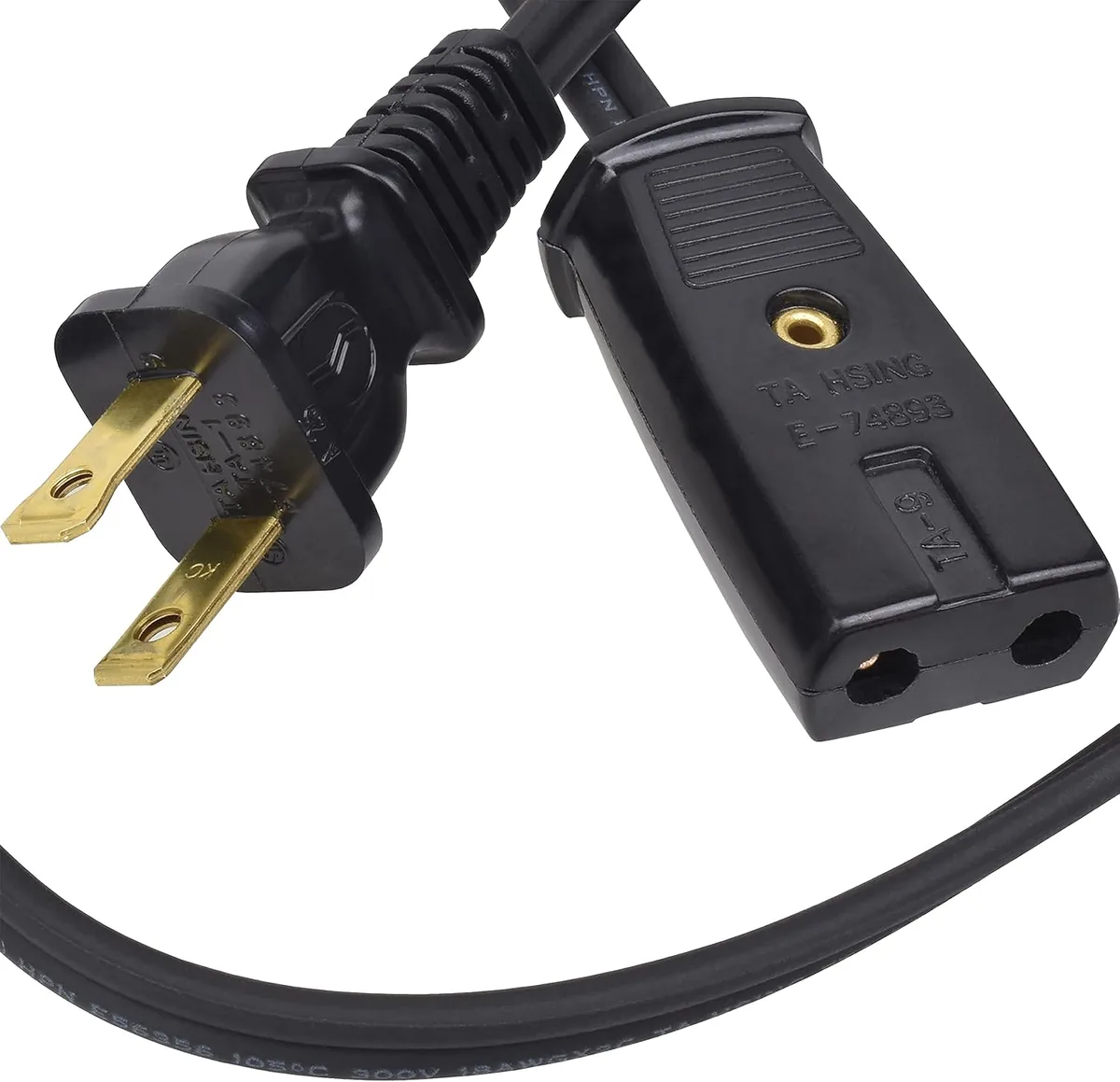
Image source: Web (Bing) / storage.googleapis.com
The most dangerous part of any coffee maker isn’t the heating element, it’s the cord. A frayed or pinched cord can arc inside a wall outlet, melting the plug or igniting nearby materials. This is especially true in kitchens where outlets are crammed and cords get bent behind counters.
Here’s how to check your own machine. Start with the plug. Look for discoloration, burn marks, or a loose fit in the outlet.
Next, run your hand along the entire cord, feeling for nicks, cracks, or spots where the insulation has turned brittle. If the cord feels stiff or shows bare wire, replace the machine immediately.
Then check the outlet itself. A loose‑fitting outlet can cause intermittent contact, which creates heat. In our research, the Consumer Product Safety Commission has issued several recalls for coffee makers whose plugs overheated and melted.
A quick search of your model number plus “recall” can tell you if yours has ever been flagged.
What about the machine’s certification? Look for a UL, ETL, or CSA mark on the underside or back of the machine. Those marks mean independent labs tested the coffee maker for fire and electrical safety.
If you don’t see one, treat the machine with extra caution.
Finally, consider the machine’s age. If your coffee maker is more than five years old, its internal components are more likely to degrade. The heating element’s insulation can dry out, relays can stick, and the auto‑off timer may stop working.
That’s the point where unplugging becomes smart, not just optional.
When Unplugging Absolutely Makes Sense (and When It’s Overkill)
Here’s where we get practical. The answer depends on your specific situation, not a blanket rule.
Unplug every time if:
- Your coffee maker is more than five years old and doesn’t have a visible UL/ETL mark.
- The cord shows any sign of damage or you have small children or pets who might pull at it.
- You live in an older home with two‑prong outlets or ungrounded wiring.
- You travel frequently and leave the machine plugged in while you’re away.
- You use a coffee maker with a keep‑warm plate that doesn’t shut off after two hours.
- You keep the machine near a sink or a heat source where moisture or heat can reach the cord or plug.
You can safely leave it plugged in if:
- Your coffee maker is less than three years old, carries a UL/ETL mark, and has a working two‑hour auto‑shutoff.
- The cord is in perfect condition and the outlet is GFCI‑protected (most modern kitchen outlets are, as required by the National Electrical Code since 1987).
- You use a surge‑protected power strip with a switch, so you can cut power with one click without unplugging from the wall.
For the majority of people with a decent, modern coffee maker, leaving it plugged in is perfectly fine. The risk is low enough that the convenience of having the timer set for the morning outweighs the tiny safety margin gained by unplugging.
But if you have an older machine or any of the red‑flag conditions above, make unplugging a habit. It takes two seconds and costs nothing. And if you forget, that’s okay too, the risk is small, but eliminating it entirely is smart.
Smarter Solutions — Smart Plugs, Power Strips, and Timer Switches
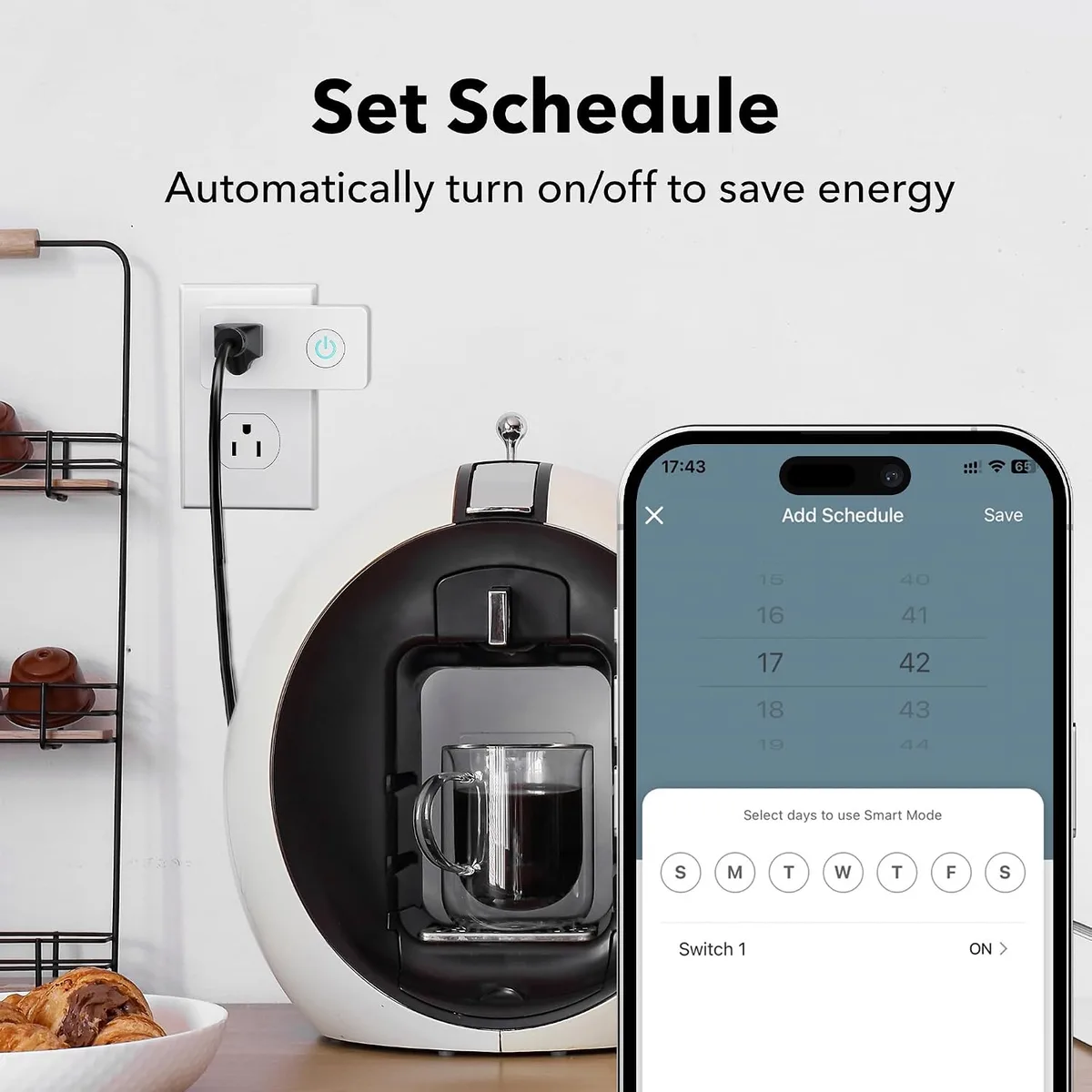
Image source: Web (Bing) / manuals.plus
If you find yourself in the “should unplug” camp but hate crawling behind the counter every morning, there are easier ways. A smart plug or a switched power strip can cut power to your coffee maker with zero physical effort.
A smart plug is a small device that plugs into your wall outlet, then you plug your coffee maker into it. Using a phone app or voice assistant, you can set a schedule: cut power at 10 a.m. every day, restore it at 6 a.m. so the machine can power up before your brew time. Some models even report energy usage so you can see exactly how much you save.
A simpler option is a power strip with an individual switch. Just plug the coffee maker into that one outlet on the strip. When you’re done brewing, click the switch.
The machine is fully disconnected, but you save the hassle of reaching behind the counter.
For a DIY approach, an in‑wall timer switch works the same way, but it requires installation. If you’re comfortable with basic electrical work, you can replace a standard outlet with a switched GFCI outlet that controls just that one receptacle.
These solutions add a small upfront cost. A basic smart plug runs between $8 and $20. A switched power strip is around $10.
But they solve the friction problem that stops most people from unplugging their coffee maker consistently.
And if you already own a machine that brews on a timer, you might not need any of this. Simply set your brew time for the morning, let the machine turn itself off after two hours, and don’t worry about it. The auto‑off feature is basically a built‑in smart plug that costs you nothing.
Remember: any solution that physically disconnects the machine from power (even with a switch) eliminates standby draw and fire risk. The machine can’t overheat if it’s not plugged in. That’s the simple physics behind the whole debate.
Does Unplugging Reset the Coffee Maker’s Clock or Timer?
Yes, unplugging can reset the clock and programmed brew time on some coffee makers. If your machine relies on constant power to remember its settings, you may need to set the clock and timer again after plugging it back in.
This matters if you use a programmable coffee maker to start brewing automatically in the morning. A switched power strip can make disconnecting the machine easier, but it may still require you to reprogram the settings when power is restored.
If keeping the timer is important to you, check your coffee maker’s manual before making unplugging a daily habit.
Frequently Asked Questions About Coffee Maker Power and Safety
Does unplugging my coffee maker save enough electricity to matter?
It saves about $1 to $5 per year for most machines. The exact standby power varies by model, but the meter shows the exact standby power is small. That is not a huge amount, but it adds up over the life of the appliance.
The bigger reason to unplug is safety, not the electric bill.
Can a coffee maker start a fire if it gets left plugged in?
Yes, but the risk is small. The NFPA reports that coffee makers are involved in about 1% of all appliance fires. Most of those incidents involve older machines with faulty cords or heating elements that fail to shut off.
A regular descaling routine helps keep the heating element working properly and reduces that risk.
Is it safe to leave a coffee maker plugged in while I am on vacation?
You should unplug it before leaving. Even a modern machine with auto-off can fail. A $10 switched power strip makes this easy.
Just flip the switch and drain the water tank before you walk out the door. That covers both the electrical risk and the chance of mold growing in standing water.
Should I unplug a coffee maker that has an auto-off feature?
Auto-off reduces risk, but it does not eliminate it. The timer or relay can fail over time. If your machine is less than three years old and carries a UL mark, you are fine to leave it plugged in.
Older machines should be unplugged. Programming the timer for a morning brew is convenient, but double-check the auto-off delay to make sure it is working.
The Bottom Line — A Simple Decision Guide for Your Kitchen
Here is a quick way to decide based on your specific situation.
Unplug after every use if:
- Your machine is older than five years.
- The cord shows wear or the outlet feels loose in the wall.
- You travel often or leave home for long periods.
- You do not see a UL, ETL, or CSA mark on the machine.
- The auto-off timer does not work or you have never tested it.
Safe to leave plugged in if:
- Your machine is under three years old with a visible safety certification.
- The auto-off timer works and shuts off within two hours.
- You use a modern GFCI-protected kitchen outlet.
- The cord is in perfect condition with no cracks or kinks.
For most people with a newer machine, the convenience of a brewing guide that includes a preset timer outweighs the tiny risk. Just do an annual check of the cord and outlet. If anything looks off, start unplugging.
And before you brew that first pot with a new machine, it is smart to run a priming cycle with water to flush out any manufacturing residue.
The final takeaway is simple. No universal right answer exists. Just the right answer for your specific coffee maker, your kitchen setup, and your habits.
If you are unsure, unplug it. That costs nothing and guarantees zero risk. If you are confident in your machine, leave it plugged in and enjoy the convenience.